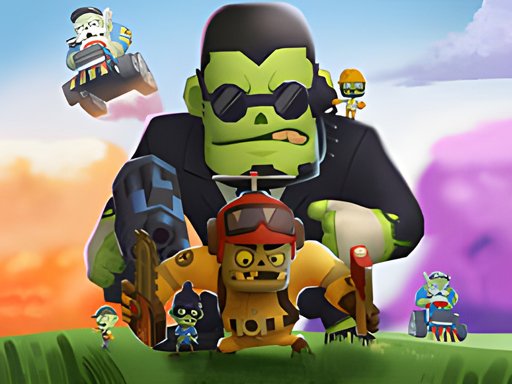
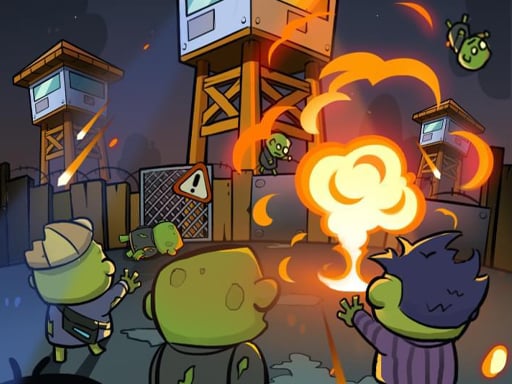
Lucky Brainrot Blocks Online mixes arcade strategy gameplay with chaotic exploration, risky movement, and unpredictable rewards. Every run pushes players through tougher areas packed with stronger events, stranger brainrot designs, and better loot opportunities. Solo sessions and local 2-player matches create different ways to approach each challenge. Play Lucky Brainrot Blocks Online to build your collection and hunt the rarest brainrots before someone else reaches them first now!
HOW TO ENJOY LUCKY BRAINROT BLOCKS ONLINE
Movement and timing shape every session inside Lucky Brainrot Blocks Online because better rewards appear deeper across increasingly dangerous zones. Players travel between fourteen areas, open lucky boxes, collect strange Italian Brainrot characters, and escape hazardous sections before losing valuable progress. Solo online play allows chatting, inviting others, and joining different rooms without forcing direct battles. Meanwhile, local 2-player mode creates shared-screen chaos where routing decisions and faster reactions matter constantly. Sold brainrots generate income for upgrades, while rebirth systems, speed boosts, larger bags, and stronger lucky boxes steadily improve future runs and unlock rarer discoveries.
Detailed Control Mechanics 1-Players Mode
2-Player Modes WASD/Arrow Keys: Move
Spacebar: Jump up
[E]: Interact with brainrots
Left Click: Attack
Right Click: Rotate camera
Numpads 1-7: Pick brainrots
[R]: Open the bag
[T]: Visit the shop
[Y]: Activate rebirth Player 1: WASD: Move
Spacebar: Jump up
[E]: Interact with brainrots
[F]: Attack
Numpads 1-4: Pick brainrots
[R]: Open the bag
[T]: Visit the shop
[Y]: Activate rebirth Player 2: Arrow Keys: Move
[L]: Jump up
[J]: Interact with brainrots
[K]: Attack
Numpads 7-9: Pick brainrots
[U]: Open the bag
[I]: Visit the shop
[O]: Activate rebirth Why This Roblox Adventure Feels Different 14 brainrot rarity classes and wonderful arenas to explore and conquer
Shared-screen multiplayer creates chaotic cooperative collecting moments
Rebirth upgrades strengthen long-term income and efficiency
Random world events constantly reshape active exploration zones
Brainrot gifting adds unexpected social trading possibilities ROBLOX CHALLENGES WORTH TRYING NEXT
Jump into Obby Toilet Line, Steal Car Duel, and StealNow.io for more chaotic Roblox adventures packed with movement, collecting, and rivalry!
About Lucky Brainrot Blocks Online - Free Online Arcade Game
🎮 Quick Info: Arcade Game | ⭐ Rating: 1 plays | 🆓 Free | 📱 Works on PC, Mobile & Tablet | ⚡ No Download Required
Lucky Brainrot Blocks Online is an exciting and high-quality free online arcade game available exclusively on CrazyGames-Poki. This premium HTML5 browser game delivers instant entertainment without any downloads, installations, or registrations required.
📂📂 Category:Arcade
🎯🎯 Platform:Web Browser (HTML5)
💰💰 Price:Free
👥👥 Mode:Single Player
📅📅 Updated:2026-06-09
Why Play on CrazyGames-Poki?
✅ 100% Free - No registration or download required
Playing free online games at CrazyGames-Poki is incredibly simple and requires no technical expertise. Our platform uses cutting-edge HTML5 technology that works seamlessly across all modern devices and browsers.
Step-by-Step Guide:
Browse Categories: Explore our extensive game library organized by genre, popularity, or new releases
Select a Game: Click on any game thumbnail or title that catches your interest
Wait for Loading: Games typically load within 3-5 seconds depending on your internet connection
Read Instructions: Most games display brief control instructions before starting
Start Playing: Click the play button and enjoy instant gaming fun!
Save Favorites: Bookmark games you enjoy to quickly access them later
Technical Requirements
Browser: Chrome 90+, Firefox 88+, Safari 14+, Edge 90+, or Opera 76+
JavaScript: Must be enabled in your browser settings
Internet Connection: Minimum 3 Mbps for smooth gameplay (5+ Mbps recommended)
Screen Resolution: Minimum 800x600 (1024x768 or higher recommended)
RAM: At least 2GB available memory (4GB+ for optimal performance)
💡 Pro Tip:For the best gaming experience, we recommend using Google Chrome or Mozilla Firefox with hardware acceleration enabled. Close unnecessary browser tabs to free up system resources.
Troubleshooting Common Issues
If you experience any problems while playing:
Game won't load? Try refreshing the page (F5 or Ctrl+R / Cmd+R)
Laggy performance? Lower your browser's hardware acceleration or close other applications
No sound? Check that your browser isn't muted and volume is turned up
Controls not working? Ensure JavaScript is enabled and try clearing your browser cache
More Games Like Lucky Brainrot Blocks Online
If you enjoyed Lucky Brainrot Blocks Online, check out these similar arcade games hand-picked by our editors